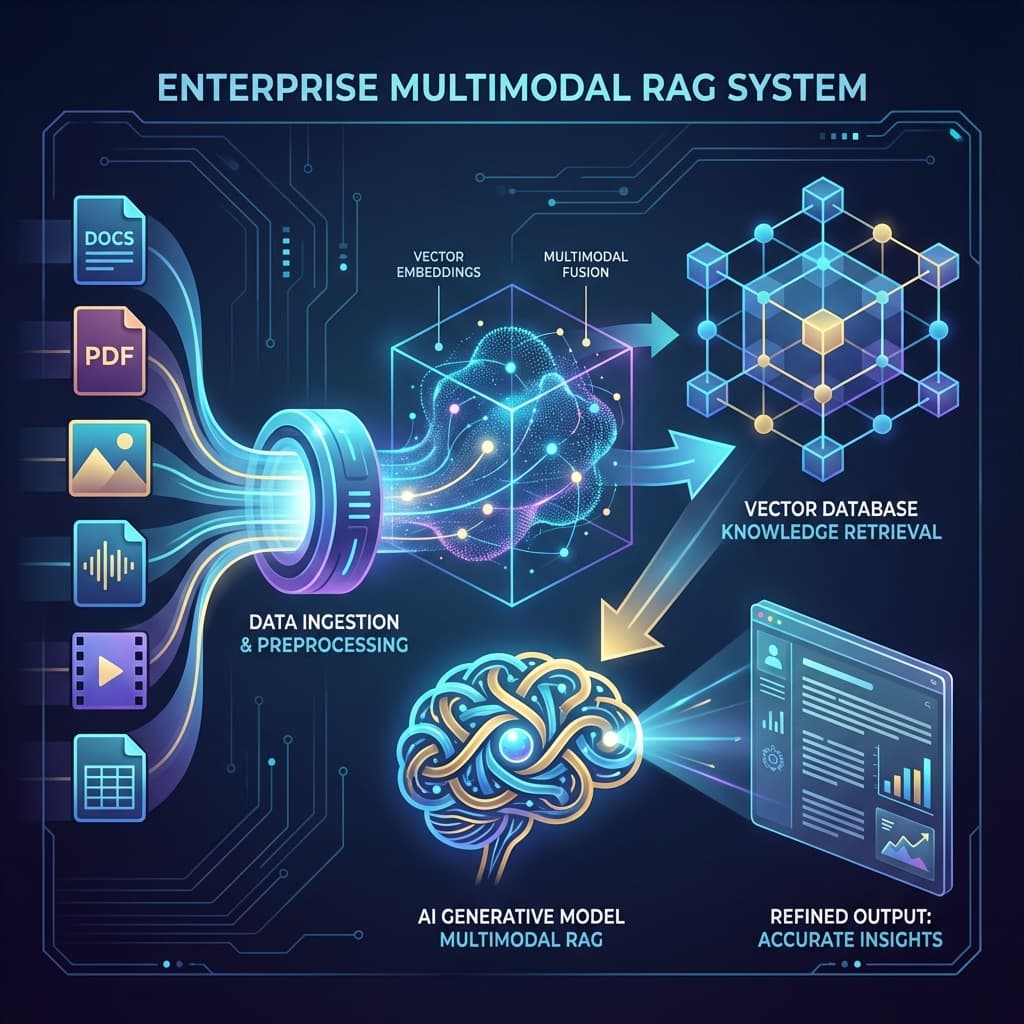
Choosing the Right Model Per Modality
Learn to select optimal models for different data types: text, images, audio, video, and structured data.
Choosing the Right Model Per Modality
Different data types have different processing requirements. This lesson teaches you to match models to modalities for optimal results.
The Modality-Model Matrix
graph TD
    A[Data Modality] --> B[Text]
    A --> C[Images]
    A --> D[Audio]
    A --> E[Video]
    A --> F[Structured Data]

    B --> G[Text LLMs]
    C --> H[Vision Models]
    D --> I[Transcription + Text LLMs]
    E --> J[Frame Extraction + Vision]
    F --> K[Schema-Aware LLMs]
Text Processing
Model Selection for Text
text_models = {
    "simple_qa": {
        "model": "mistral-7b (Ollama)",
        "reason": "Fast, cheap, good enough"
    },
    "complex_reasoning": {
        "model": "claude-3.5-sonnet",
        "reason": "Best reasoning, long context"
    },
    "code_generation": {
        "model": "claude-3.5-sonnet",
        "reason": "Best coding performance"
    },
    "bulk_processing": {
        "model": "claude-haiku",
        "reason": "Fast and cheap for volume"
    }
}
Text Embedding Models
graph LR
    A[Text Embeddings] --> B[OpenAI Ada-002]
    A --> C[Cohere Embed]
    A --> D[BGE / E5]
    A --> E[Ollama Embeddings]

    B --> F[Industry Standard]
    C --> G[Best for Search]
    D --> H[Open Source]
    E --> I[Local/Private]
Recommendations:
| Use Case | Model | Why |
|---|---|---|
| Production RAG | Cohere Embed v3 | Best retrieval quality |
| Cost-sensitive | OpenAI Ada-002 | Good balance |
| Multilingual | BGE-M3 | 100+ languages |
| Local deployment | Nomic Embed | Open source, good quality |
Image Processing
Vision Model Selection
image_tasks = {
    "ocr": {
        "simple": "Tesseract (open source)",
        "complex": "Claude 3.5 with vision",
        "production": "AWS Textract + Claude"
    },
    "image_understanding": {
        "best": "Claude 3.5 Sonnet",
        "local": "LLaVA 13B",
        "fast": "moondream (1.8B)"
    },
    "chart_analysis": {
        "best": "Claude 3.5 or GPT-4V",
        "acceptable": "Gemini 1.5"
    },
    "diagram_interpretation": {
        "technical": "Claude 3.5",
        "simple": "LLaVA"
    }
}
Image Embedding Models
graph TD
    A[Image Embeddings] --> B[CLIP]
    A --> C[ImageBind]
    A --> D[DINOv2]

    B --> E[Best for Image-Text Matching]
    C --> F[Multimodal Unified Space]
    D --> G[Best Visual Features]
For RAG:
# CLIP for cross-modal search
text_query = "red sports car"
image_results = search_by_text(text_query)  # Returns car images

# Or reverse
image_query = car_photo.jpg
text_results = search_by_image(image_query)  # Returns descriptions
Image Processing Pipeline
graph LR
    A[Image Input] --> B{Image Type}

    B -->|Photo| C[CLIP Embedding]
    B -->|Document| D[OCR + Text Processing]
    B -->|Chart| E[Claude Vision Analysis]
    B -->|Diagram| F[LLaVA or Claude]

    C & D & E & F --> G[Vector DB]
Audio Processing
Audio Pipeline
graph TD
    A[Audio File] --> B[Whisper Transcription]
    B --> C[Text Output]
    C --> D{Processing Goal}

    D -->|Search| E[Text Embeddings]
    D -->|Analysis| F[LLM Processing]
    D -->|QA| G[RAG Pipeline]

    style B fill:#d4edda
Transcription Models
audio_transcription = {
    "whisper_large_v3": {
        "accuracy": "Best (99%+)",
        "speed": "Slow (10× real-time)",
        "languages": 100,
        "use": "Production quality"
    },
    "whisper_medium": {
        "accuracy": "Good (95-98%)",
        "speed": "Medium (5× real-time)",
        "use": "Balanced"
    },
    "whisper_small": {
        "accuracy": "OK (90-95%)",
        "speed": "Fast (2× real-time)",
        "use": "Quick processing"
    },
    "deepgram_api": {
        "accuracy": "Excellent (98%+)",
        "speed": "Real-time",
        "cost": "Pay-per-use",
        "use": "Cloud transcription"
    }
}
Audio RAG Strategy
# Conceptual: Audio RAG processing
def process_audio(audio_file):
    # 1. Transcribe
    transcript = whisper.transcribe(audio_file, language='en')

    # 2. Add timestamps
    chunks = split_by_timestamp(transcript, chunk_size=30)  # 30-second chunks

    # 3. Embed
    for chunk in chunks:
        embedding = embed(chunk.text)
        store(embedding, metadata={
            'source': audio_file,
            'timestamp': chunk.start_time,
            'speaker': chunk.speaker  # If diarization available
        })
Speaker Diarization
For multi-speaker audio (meetings, interviews):
# pyannote.audio for speaker separation
diarization = pyannote.identify_speakers(audio_file)

# Result:
# [0:00-0:45] Speaker A: "Welcome to the meeting..."
# [0:45-1:30] Speaker B: "Thank you, I'd like to discuss..."
Video Processing
Video as Multi-Frame Images
graph TD
    A[Video File] --> B[Extract Key Frames]
    B --> C[Frame 1, 5, 10, ...]
    C --> D[Vision Model Analysis]
    D --> E[Scene Descriptions]

    A --> F[Extract Audio]
    F --> G[Whisper Transcription]
    G --> H[Spoken Content]

    E & H --> I[Combined Multimodal Index]
Frame Extraction Strategy
def extract_key_frames(video_path):
    # Option 1: Time-based (every N seconds)
    frames = extract_every_n_seconds(video_path, n=5)

    # Option 2: Scene change detection
    frames = extract_on_scene_change(video_path)

    # Option 3: Hybrid
    key_moments = detect_important_moments(video_path)  # ML-based
    frames = extract_at_timestamps(video_path, key_moments)

    return frames
Video RAG Architecture
# Conceptual: Video processing for RAG
def index_video(video_file):
    # 1. Extract audio and transcribe
    audio = extract_audio(video_file)
    transcript = whisper.transcribe(audio)

    # 2. Extract key frames
    frames = extract_key_frames(video_file, every_n_seconds=10)

    # 3. Analyze frames
    frame_descriptions = []
    for frame in frames:
        desc = claude_vision.describe(frame)
        frame_descriptions.append({
            'timestamp': frame.timestamp,
            'description': desc,
            'embedding': embed(desc)
        })

    # 4. Align transcript with frames
    aligned_content = align_text_and_images(transcript, frame_descriptions)

    # 5. Index
    for content in aligned_content:
        index(content)
Video-Specific Models
video_models = {
    "frame_analysis": "Claude 3.5 or GPT-4V",
    "scene_understanding": "Gemini 1.5 (native video)",
    "action_recognition": "Specialized CV models (ActivityNet)",
    "object_tracking": "YOLO + tracking algorithms"
}
Structured Data (Tables, JSON, CSVs)
Schema-Aware Processing
graph LR
    A[Structured Data] --> B{Format}

    B -->|CSV| C[Parse to DataFrame]
    B -->|JSON| D[Parse to Dict]
    B -->|SQL| E[Query Results]

    C & D & E --> F[LLM with Schema Context]
    F --> G[Natural Language Understanding]
Table Processing
# Approach 1: Serialize table to text
table_as_text = """
| Quarter | Revenue | Profit |
|---------|---------|--------|
| Q1 2025 | $2.0M   | $0.4M  |
| Q2 2025 | $2.2M   | $0.5M  |
| Q3 2025 | $2.1M   | $0.45M |
| Q4 2025 | $2.3M   | $0.6M  |
"""

# Approach 2: Convert to structured format
table_as_json = {
    "schema": ["Quarter", "Revenue", "Profit"],
    "rows": [
        ["Q1 2025", 2000000, 400000],
        ["Q2 2025", 2200000, 500000],
        ...
    ]
}
Best Models for Structured Data
structured_data_models = {
    "tables": {
        "best": "Claude 3.5 (excellent table understanding)",
        "alternative": "GPT-4 with function calling"
    },
    "json": {
        "best": "Any modern LLM",
        "prefer": "Models with JSON mode"
    },
    "spreadsheets": {
        "approach": "Parse to table + LLM",
        "tools": "Pandas + Claude"
    },
    "databases": {
        "approach": "Text-to-SQL + query + LLM summary",
        "tools": "LangChain SQL agents"
    }
}
Multi-Modal Fusion
Cross-Modal Queries
# Example: Product search with image + text
query = {
    "text": "comfortable running shoes under $100",
    "reference_image": "preferred_style.jpg"
}

# Retrieval strategy:
# 1. Text embedding for semantic search
# 2. Image embedding for visual similarity
# 3. Combine scores (weighted)
# 4. Filter by price (<$100)

results = multimodal_search(
    text_weight=0.6,
    image_weight=0.4,
    filters={'price': {'$lt': 100}}
)
Model Routing Logic
def route_to_model(data, query):
    """Smart routing based on data type and complexity"""

    if is_image(data):
        if needs_ocr(data):
            return "claude-3.5-sonnet vision"
        else:
            return "llava-13b"  # Cheaper for simple tasks

    elif is_audio(data):
        transcript = whisper.transcribe(data)
        return process_text(transcript, query)

    elif is_video(data):
        frames = extract_frames(data)
        audio = extract_audio(data)
        return process_multimodal(frames, audio, query)

    elif is_structured(data):
        if is_complex_query(query):
            return "claude-3.5-sonnet"
        else:
            return "mixtral-8x7b"  # Cheaper for simple queries

    else:  # Text
        if len(data) > 100000:
            return "claude-3.5-sonnet"  # Long context
        else:
            return "gpt-4"  # Standard
Decision Framework
graph TD
    A{Data Type?} --> B[Text]
    A --> C[Image]
    A --> D[Audio]
    A --> E[Video]
    A --> F[Structured]

    B --> B1{Complexity?}
    B1 -->|Simple| B2[Mixtral/Mistral]
    B1 -->|Complex| B3[Claude 3.5]

    C --> C1{Task?}
    C1 -->|OCR| C2[Claude + Textract]
    C1 -->|Understanding| C3[Claude/GPT-4V]

    D --> D1[Whisper + Text Model]
    E --> E1[Frame Extract + Audio + Fusion]
    F --> F1[Claude 3.5]
Key Takeaways
- Text: Claude 3.5 for complex, Mixtral for simple
- Images: Claude 3.5 for production, LLaVA for local
- Audio: Whisper transcription + text models
- Video: Frame extraction + audio transcription
- Structured: Claude 3.5 excels at tables and JSON
- Always consider: Privacy, cost, latency trade-offs per modality
In Module 3, we'll design end-to-end RAG architectures that combine all these modalities.