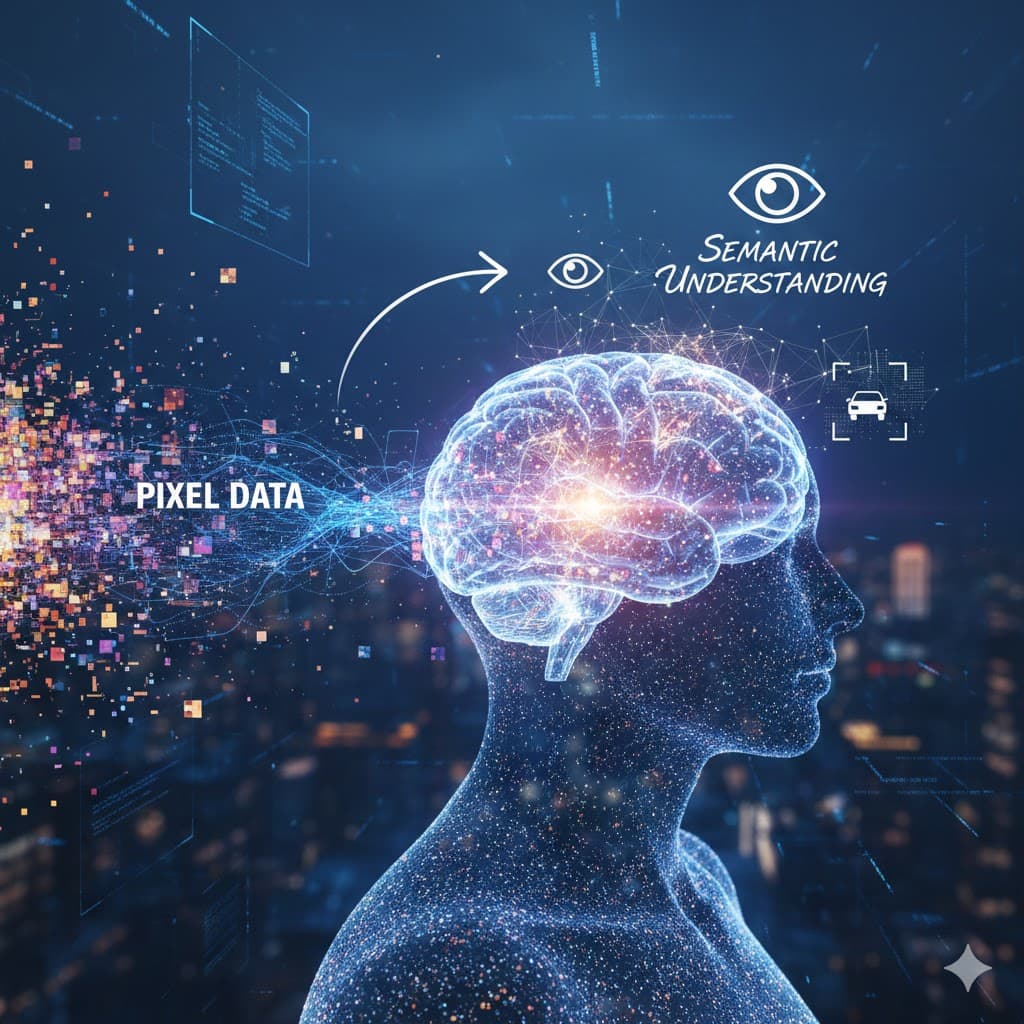
Computer Vision Foundations: From Pixel Data to Semantic Understanding
A deep dive into the engineering of Computer Vision, exploring core tasks, system architectures, and the levels of processing required to turn raw imagery into actionable intelligence.
Computer Vision Foundations: From Pixel Data to Semantic Understanding
If you've ever tried to debug a flawed image classifier or wondered why your object detection model keeps hallucinating artifacts in a low-light warehouse feed, you know that Computer Vision (CV) is more than just "GPT for pictures." It is a specialized branch of engineering that deals with the bridge between the analog world of photons and the digital world of bitmasks and tensors.
As engineers, we often treat CV as a black box—a library call to a cloud API or a pre-trained model. But to build production-grade systems, especially in robotics, security, or medical imaging, you need to understand the underlying architecture of vision systems.
In this guide, we'll break down how computer vision actually works, following the journey from raw pixel data to high-level semantic understanding.
The Mental Model: Vision as an Information Filter
Think of a computer vision system as a series of compression and translation layers.
- The Raw Input: A 2D array of intensity values (RGB or Grayscale).
- Structural Extraction: Finding edges, corners, and blobs (Low-Level).
- Relational Mapping: Understanding depth, motion, and object boundaries (Mid-Level).
- Semantic Inference: Assigning human-readable labels and context (High-Level).
Unlike human vision, which is heavily influenced by evolutionary bias and sub-conscious heuristics, computer vision is a purely mathematical exercise in statistical pattern matching.
Core Computer Vision Tasks: What the System Actually Does
When we talk about "vision systems," we usually mean the system is performing one or more of these fundamental tasks.
1. Image Classification
This is the "Hello World" of CV. The goal is to assign a single label to an entire image. If you feed the system a 224x224 pixel grid, it returns {"label": "cat", "confidence": 0.98}.
- Production Pain Point: Classification is fragile. A change in lighting or a slightly different angle can drop confidence significantly if the training set wasn't diverse enough.
2. Object Detection
Detection is classification plus localization. The system identifies multiple objects and draws Bounding Boxes around them. This is what self-driving cars use to distinguish between a pedestrian, a cyclist, and a stop sign.
- Engineering Challenge: Real-time detection (e.g., YOLO - You Only Look Once) requires massive optimization to maintain high FPS (Frames Per Second) on edge hardware.
3. Image Segmentation: The Surgical Level
This is the most granular form of vision. Instead of a box, you get a mask.
- Semantic Segmentation: Labels every pixel in an image (e.g., "all these pixels are road," "all those are sky").
- Instance Segmentation: Separates individual objects, even if they are the same class. It doesn't just see "people"; it sees "Person 1," "Person 2," and "Person 3" as distinct entities with their own pixel masks.
4. Facial Recognition and Pose Estimation
- Facial Recognition: Identifies or verifies individuals by extracting high-dimensional biometric features.
- Pose Estimation: Determines the orientation and position of body parts in 3D space. Think of those stick figures you see in workout apps or Xbox Kinect-style games.
5. OCR, Motion Analysis, and Activity Recognition
- OCR (Optical Character Recognition): Translating visual text into searchable strings.
- Motion Analysis: Tracking the velocity and trajectory of an object across multiple frames.
- Activity Recognition: Identifying actions in video (e.g., "the person is running" vs. "the person is falling").
Vision System Types: How It's Implemented
As a technical lead, your choice of hardware architecture is as critical as your choice of model.
2D vs. 3D Vision
- 2D Vision: Standard image analysis. Great for barcode reading, text scanning, and basic presence detection. It's cheap and ubiquitous.
- 3D Vision: Uses depth information (via LiDAR, Stereo-Vision, or Time-of-Flight sensors) for precise measurements. Essential for bin-picking in logistics where an arm needs to know exactly how far away an object is.
Integrated Hardware (Smart Cameras) vs. PC-Based Systems
- Smart Cameras: Compact, all-in-one systems where the processor is inside the camera housing. Great for simple, standalone industrial tasks.
- PC-Based Systems: Use powerful external GPUs and high-bandwidth interfaces. This is what you ship for complex, multi-camera AI applications with heavy inference requirements.
Specialized Sensing: Multispectral and Hyperspectral
Standard cameras see Red, Green, and Blue. Hyperspectral cameras capture hundreds of light wavelengths. This allows you to identify materials (e.g., "Is this real plastic or a composite blend?") based on their spectral signature.
Levels of Vision: How It Processes Data
To debug a vision system, you need to know which "level" is failing.
Low-Level: The Pixel Level
This is the domain of raw math. We're talking about noise reduction, contrast adjustment, and Edge Detection. If your low-level processing is bad (e.g., too much sensor noise), your high-level AI will never work.
- Analogy: This is like checking the syntax of a coding file.
Mid-Level: The Structural Level
Here, the system starts to realize that those edges form a circle, and that circle is moving at a specific velocity. We extract structure, depth, and motion.
- Analogy: This is like understanding the functions and classes in your code.
High-Level: The Semantic Level
This is where the Deep Learning happens. The system recognizes that the circle is actually a "Wheel" and the larger object it's attached to is a "Truck." It understands the context (e.g., "The truck is on a highway").
- Analogy: This is like understanding the business logic and user intent of a whole application.
A Practical Example: Implementing a Simple Detection Pipeline
Let’s look at a minimal snippet using Python and an open-source tool like OpenCV or a transformer-based detector.
import torch
from transformers import DetrImageProcessor, DetrForObjectDetection
from PIL import Image
import requests

# 1. Load a pre-trained DETR (Detection Transformer) model
# We use Transformers because they are currently outperforming CNNs in complex scenes
processor = DetrImageProcessor.from_pretrained("facebook/detr-resnet-50")
model = DetrForObjectDetection.from_pretrained("facebook/detr-resnet-50")

def scan_industrial_feed(image_path: str):
    """
    Higher-level abstraction for a vision pipeline.
    Notice we focus on the thresholds - a key engineering trade-off.
    """
    image = Image.open(image_path)
    inputs = processor(images=image, return_tensors="pt")
    outputs = model(**inputs)

    # 2. Post-processing: Translating raw outputs into detections
    # We filter by a confidence threshold to reduce false positives
    target_sizes = torch.tensor([image.size[::-1]])
    results = processor.post_process_object_detection(outputs, target_sizes=target_sizes, threshold=0.9)[0]

    for score, label, box in zip(results["scores"], results["labels"], results["boxes"]):
        box = [round(i, 2) for i in box.tolist()]
        print(f"Detected {model.config.id2label[label.item()]} with {round(score.item(), 3)} confidence at {box}")

# Production usage (simulated)
# scan_industrial_feed("factory_floor_camera_01.jpg")
Line-by-Line Breakdown
- ResNet-50 Backbone: The "low-level" feature extractor.
- Transformer Decoder: The "high-level" reasoning engine that assigns meaning.
- Thresholding: This is the most important "knob" in a CV system. Set it too high, and you miss objects (False Negatives). Set it too low, and you get "hallucinated" objects (False Positives).
Engineering Trade-offs: The Reality of Production
Performance vs. Latency
In CV, there is no free lunch. A larger model (like YOLOv8-X) will have higher accuracy but will be much slower than the nano version (YOLOv8-N). For many developers, "good enough" accuracy at 60 FPS is better than "perfect" accuracy at 2 FPS.
Scaling and Failure Modes
Vision systems fail in ways that text systems don't. A spider web across a camera lens can shut down an entire autonomous warehouse.
- Security Implications: "Adversarial attacks" (adding specific noise to an image that humans can't see but breaks the AI) are a real threat in security systems.
My Strong Opinion: What I Would and Would Not Ship
I would NOT ship:
- A "cloud-only" vision system for a critical real-time task. The latency jitter will kill you.
- A system without a "low-level" sanity check (e.g., if the image is too blurry/dark, don't even bother running the AI).
I WOULD ship:
- Local Inference: Use TensorRT or ONNX to optimize your models for the local GPU.
- Hybrid Systems: Use traditional CV (like color thresholding) for simple tasks and the LLM/Transformer for the heavy-duty classification.
- Human-in-the-loop: For high-stakes detection (like medical X-rays), the AI should be a recommender, not a decider.
Conclusion
Computer vision is moving away from the "hand-crafted feature" era toward the "learned representation" era. But for a senior developer, the core challenge remains the same: managing hardware constraints, data quality, and the inherent uncertainty of the physical world.
Practical Next Step: Take your phone, snap a photo of your desk, and try to run it through a basic classification model. Notice what it misses. Is it a low-level lighting issue, or a high-level context failure? Understanding that distinction is the first step toward becoming a vision engineer.
Written while waiting for a 20GB dataset to finish downloading. Happy detecting.