AI-Native UX: Designing Products Where Humans Stay in Control of Powerful Agents
AI-Native UX: Designing Products Where Humans Stay in Control of Powerful Agents
For the last thirty years, User Experience (UX) has been a game of Control via Constraint.
We designed interfaces with fixed buttons, strict forms, and predictable menus. As designers, we were like architects building a physical house: we decided exactly where the walls were, where the doors opened, and what the user could and couldn't do. The user was a "Operator" of our machine.
But AI has introduced a new kind of "User." For the first time, the "Software" itself is an active participant in the experience. We are no longer just designing for a human; we are designing for the relationship between a human and an autonomous agent.
The old "Click-and-Wait" paradigm is dead. We are moving into the era of AI-Native UX. This is the shift from "Doing the work" to "Directing the work." And the biggest challenge of this era isn't making the AI smart; it's ensuring the human stays in control without being overwhelmed.
The Death of the "Empty Search Bar"
The most iconic UI element of the early AI era was the empty chat box. It was a blank canvas that promised everything but required the user to know exactly what to ask. We call this "Prompt Frustration."
AI-Native UX moves beyond the chat box. It understands that Context is the Interface.
- Instead of a blank box, the UI should be Proactive. It should see what you are working on and suggest the next agentic action.
- If you are highlights a paragraph, the AI-Native interface doesn't wait for you to type "Summarize"; it offers a subtle "Condense" handle right where your cursor is.
The interface becomes a "Shadow of Intent," anticipating your needs before you have to articulate them.
1. The "Human-in-the-Loop" (HITL) as a Design Pattern
In the past, we wanted software to be "Automatic." We wanted to press a button and have the result appear. But with autonomous agents (Article 1), we have learned that "Full Autonomy" is often terrifying and prone to error.
The core design pattern of AI-Native UX is the "Interruptible Loop."
- The Plan: The agent should never just "do" a complex task. It should present a "Plan" first.
- The Review: The user should be able to edit the plan, swap out tools, or adjust the constraints.
- The Execution: As the agent works, it should provide a "Live View" of its "Chain of Thought."
The human's role changes from "Worker" to "Director." And a director needs a monitor to see the performance.
2. Shared Reality: Closing the Mental Model Gap
The biggest source of frustration with AI is the "Mental Model Gap." You think the AI understands one thing, but it actually understands another. When the result is wrong, you don't know why.
AI-Native interfaces must provide Scaffolding for Understanding.
- Visual Reasoning: If an agent is using a Knowledge Graph (Article 6), show a snippet of that graph to the user. Let them see the "Path" the AI took to get the answer.
- Evidence Citations: Never show an AI-generated fact without a clickable link to the source.
- Confidence Gradients: Use subtle UI cues (like font weight or color) to show how "sure" the AI is about different parts of its response.
By making the AI's internal state visible, we build Calibrated Trust. The user knows when to lean on the AI and when to double-check its work.
3. Designing for Failure: The "Soft Landing"
In traditional UX, an "Error" is a disaster. It’s a red box that says "Something went wrong." In a probabilistic AI world, "Errors" (hallucinations or misunderstandings) are an inherent part of the technology.
An AI-Native interface is designed for Recursive Refinement.
- If the AI gives the wrong answer, don't make the user "Start Over." Give them a "Tweak" button.
- Let them highlight a specific sentence and say, "Keep this part, but change the tone of that part."
- UX should be an Incremental Sculpting Process, not a binary "Right/Wrong" outcome.
4. Visualizing the Agentic Workflow
graph LR
    Intent["Human Intent"] -- "Vibe/Goal" --> Planner["Agentic Planner"]
    Planner -- "Proposed Plan" --> UI["Plan Visualization"]
    UI -- "Feedback/Approval" --> Execution["Agent Execution"]

    Execution -- "Progress Stream" --> UI
    Execution -- "Result" --> Review["Human Review"]

    Review -- "Tweak" --> Execution
    Review -- "Approve" --> Final["Outcome"]

    style UI fill:#f96,stroke:#333
    style Review fill:#9cf,stroke:#333
The Meaning: Protecting Human Agency
There is a danger in AI design: the "Nudge" toward passivity. If the AI is too smart and the interface too seamless, the human becomes a "Rubber Stamp." We stop thinking and just click "Approve."
The ultimate goal of AI-Native UX is to Amplify Human Agency, not Replace It. We must design interfaces that provoke thought.
- Show multiple options.
- Ask "Why" a certain choice was made.
- Introduce "Friction" at critical decision points to ensure the human is actually paying attention.
The best AI products of the next decade won't be the ones that "Do it all for you." They will be the ones that make you Better at what you do.
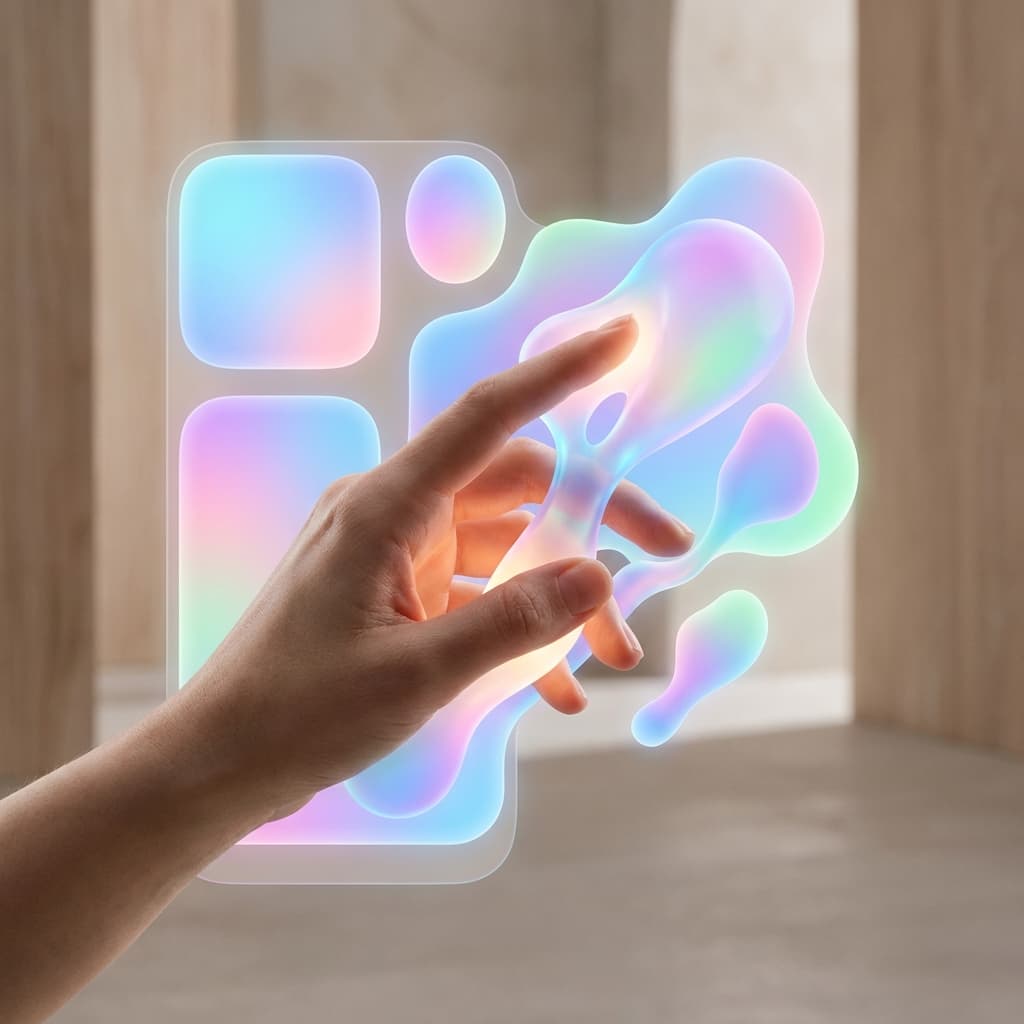
The Vision: The Liquid Interface
In the far future, the interface itself will be generated by the AI (Article 9).
- If you are a doctor, the app will generate a medical-focused UI.
- If you are a student, the same app will generate a learning-focused UI.
- The buttons, the layout, and the language will "morph" based on your specific cognitive style and the task at hand.
This is the Liquid Interface. The screen becomes a mirror of your mind, shaped by the AI to be the most efficient tool for the moment.
Final Thoughts: The Partnership Era
We are no longer building tools. We are building Partnerships.
Designing for AI-Native UX requires us to be more than just designers. We have to be psychologists, philosophers, and architects of trust. We have to build spaces where humans and machines can collaborate without losing the essence of what makes human creativity unique.
The future of software isn't a button. It is a Relationship. And that relationship is the most important thing we will ever design.