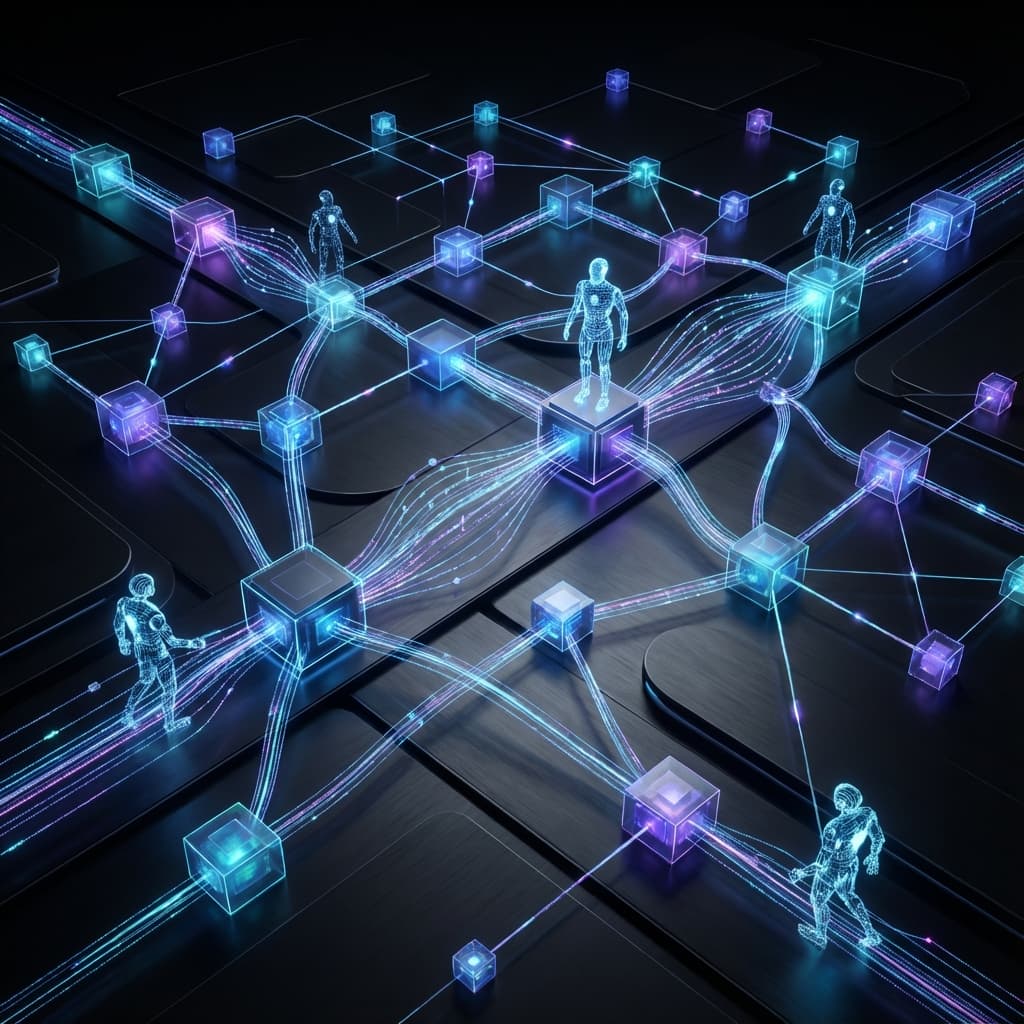
The Agent Dialogue: Inter-Agent Communication
Master the protocol of collaboration. Learn how to design standardized messages and state-passing patterns for multi-agent swarms.
Inter-Agent Communication Patterns
When you have multiple agents working together, they need a language to talk to each other. They don't just "shout" at the LLM; they must follow a structured Communication Protocol.
In this lesson, we will learn how to design the "Baton" that agents pass back and forth and how to prevent communication breakdown in a production swarm.
1. The "Baton" (The Message Schema)
In a multi-agent system, the "State" is the shared whiteboard. But what exactly do the agents write on it?
The Base Message Schema
Every inter-agent message should include:
- Sender ID: "Who said this?"
- Recipient ID: "Who is this for?" (Optional in a broadcast system).
- Intent:
REQUEST_ACTION,REPORT_RESULT,CLARIFY_GOAL. - Payload: The actual data or thought.
- Context Breadcrumbs: A reference to the original user query.
2. Pattern: The "Hand-off" (Delegation)
One agent "Retires" and another "Wakes up." This is the simplest Form of communication.
Implementation
- Agent A writes: "I have found the user's ID. Passing to Billing Agent."
- Condition: If
billing_data_ready == True, move toBilling_Node. - Note: Agent B must be programmed to look specifically for the variable
billing_data_readyin the state.
Visualizing the Process
graph TD
    Start[Input] --> Process[Processing]
    Process --> Decision{Check}
    Decision -->|Success| End[Complete]
    Decision -->|Retry| Process
3. Pattern: The "Double-Check" (Verification)
One agent performs a task, and a second agent audits it.
The Protocol
- Worker: "The answer is X."
- Auditor: "Are you sure? Show me the logic for Y."
- Worker: "Logic is [Link]. Does that work?"
- Auditor: "Yes. Propose the final answer."
This "Back-and-Forth" is implemented as a Loop in LangGraph (Module 6.2).
4. Pattern: The "Broadcaster" (Observer)
In complex systems, you might have an Audit Agent that just "listens" to the conversation between the user and the primary agent without ever speaking.
- Role: It monitors the state for "Red Flags" (like PII leaks or angry tone).
- Control: It can "Interrupt" the graph if it sees something dangerous.
5. The Challenge of "Shared State Bloat"
If 5 agents are talking to each other, the history gets very long, very fast.
- The Problem: Each agent has to read the other agents' thoughts. This burns tokens.
- The Solution: Selective History.
- Instead of passing the whole chat history, each agent only sees a Handover Summary from the previous agent.
6. Standardizing the Response: Pydantic Protocols
We use Pydantic classes to define the "Interface" between agents.
class AgentHandoff(BaseModel):
    task_id: str
    completed_steps: List[str]
    critical_data: dict
    suggested_next_agent: str
By forcing Agent A to output this exact structure, we ensure Agent B always knows exactly where to find the data it needs.
Summary and Mental Model
Think of Inter-Agent Communication like Passing a Medical Chart in a Hospital.
- The Nurse (Agent 1) writes vital signs.
- The Surgeon (Agent 2) reads the vitals and performs the operation.
- The Pharmacist (Agent 3) reads the surgeon's notes and provides medicine.
They don't need to know the color of the patient's eyes (Irrelevant Context). They only need the specific data defined in the Chart Protocol.
Exercise: Protocol Design
- Schema Design: Create a Pydantic schema for a handoff between a Search Agent and a Summarizer Agent.
- Error Handling: What should the "Communication" look like if an agent receives a malformed handoff?
- (Hint: Should it crash, or should it send a "Correction" message back to the sender?)
- Efficiency: How would you modify the state so that the "Reviewer Agent" only sees the final output of the "Writer Agent," not all of the writer's "Internal Thoughts"? Ready to build the face of your agent? Next module: UI for Agent Interaction.